Managing Models
Add and manage AI models in Msty Studio
Model Hub is where you connect providers, install local models, and tune model behavior for chats.
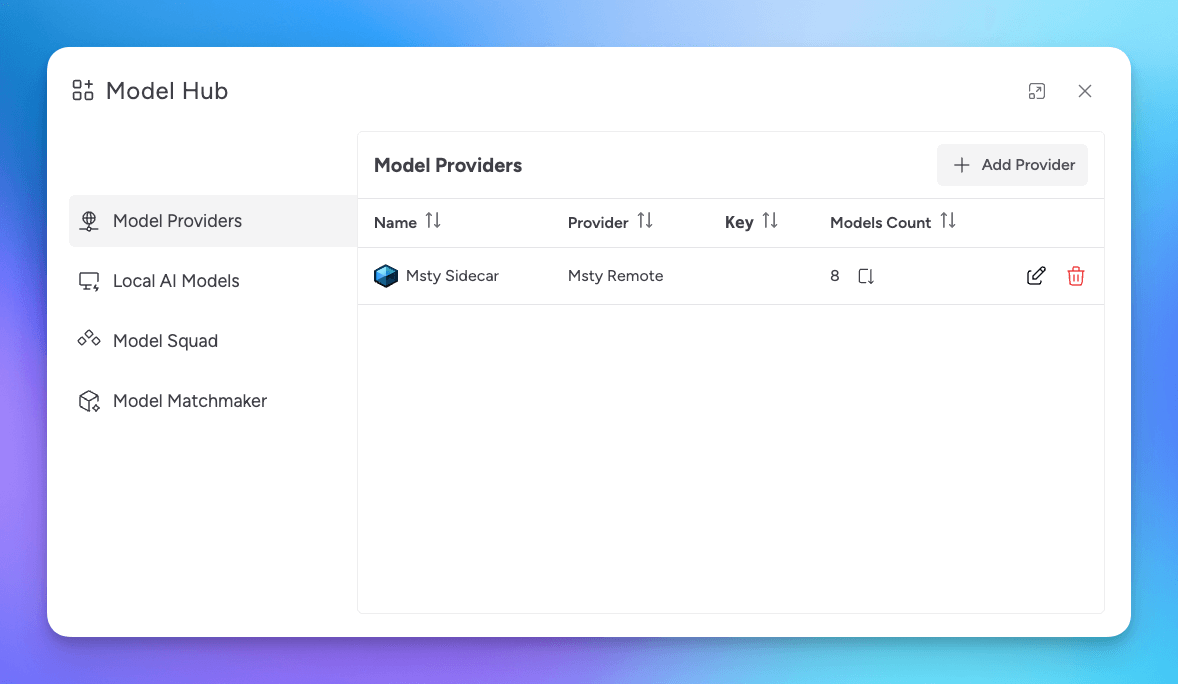
Model Hub Workflow
For most users, model setup follows this order:
- Choose between online providers, local models, or both
- Connect online providers, install local models, or do both
- Set defaults and model purpose tags
- Tune model-specific options as needed
Online and Local Models
Msty Studio supports two model sources:
- Online Providers: Hosted APIs that you connect with API keys
- Local Models: Models you install and run on your own machine
Online Providers
Use online providers when you want quick access to hosted models and managed infrastructure.
Go to Online Providers for supported providers, setup steps, and OpenAI-compatible bring-your-own endpoints.
Local Models
Use local models when you want more control over privacy, offline access, and local performance tuning.
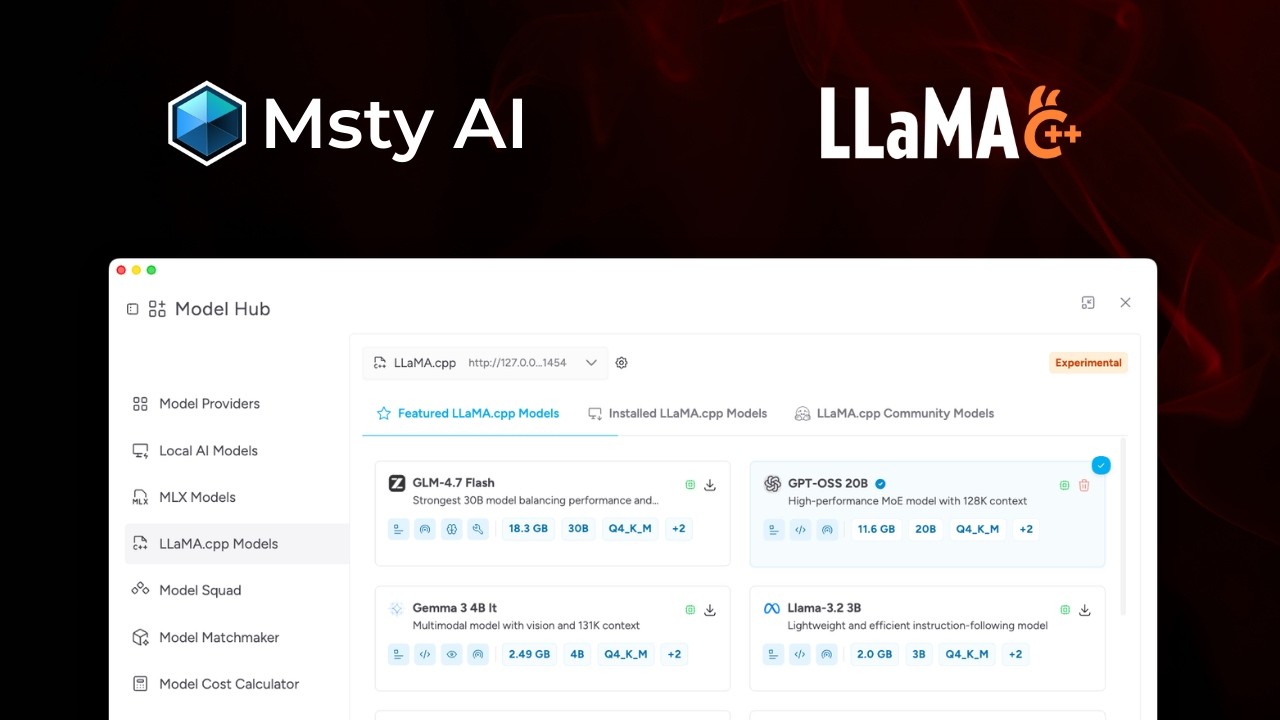
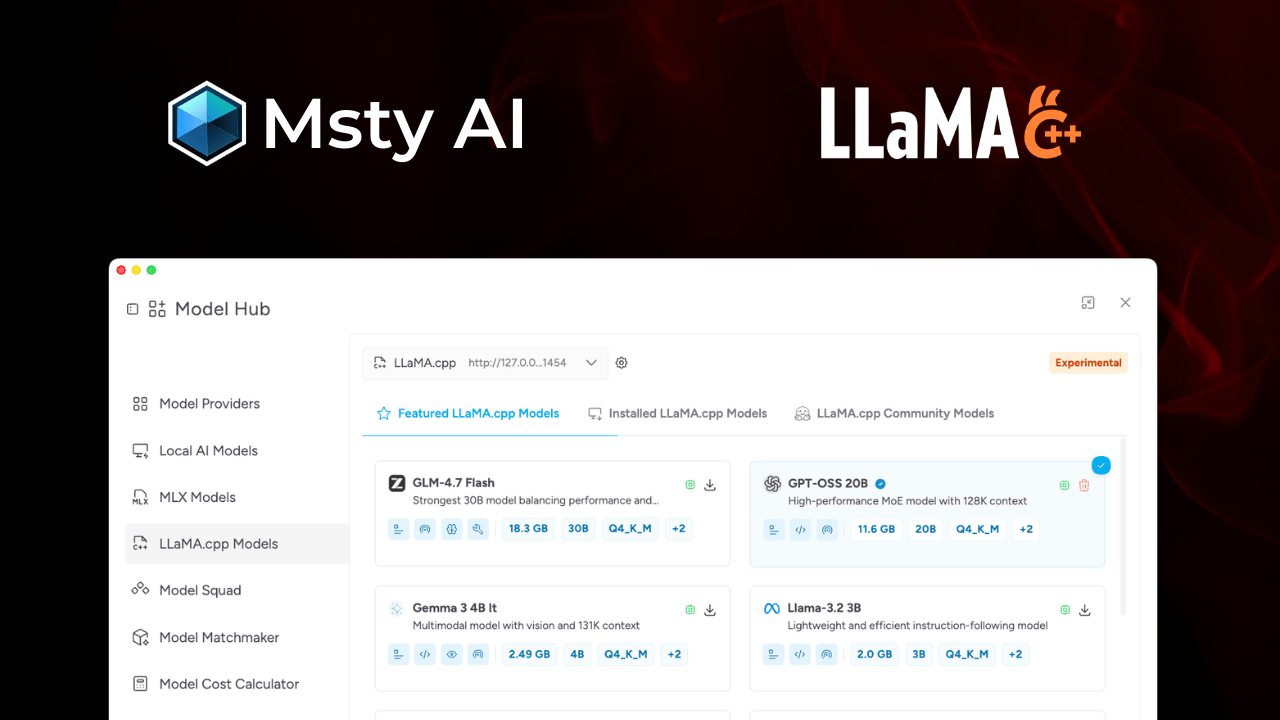
Go to Local Models for install and import paths, plus MLX and Llama.cpp setup.
Find the Right Model Faster
Use Model Matchmaker when you are unsure which model to start with.
Organize Models for Daily Use
Set a Default Model
In the conversation model selector, click the star icon to set a default model.
Rename Models and Providers
In Model Hub or the conversation model selector, click the edit icon to rename a provider or model.
Set Model Purpose Tags
Purpose tags help categorize what each model is best at.
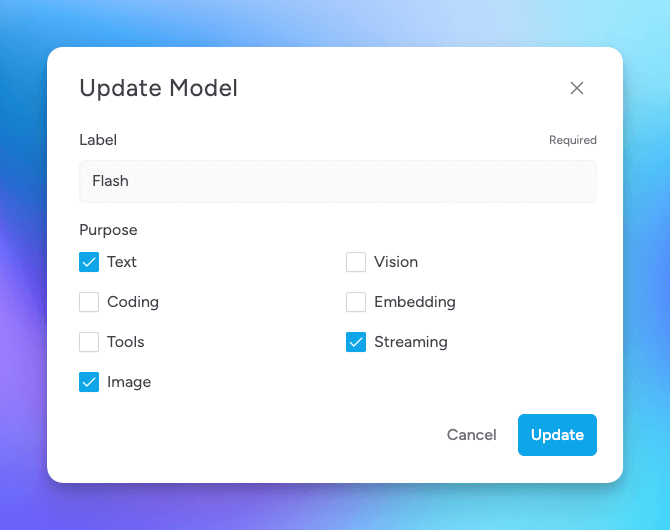
- Text: General text generation and understanding
- Coding: Code generation, analysis, and debugging
- Tools: Tool/API usage with Toolbox (MCP)
- Image: Image generation models (see Image Generation)
- Vision: Image understanding and analysis
- Embedding: Retrieval and vector workflows, including Knowledge Stacks
- Streaming: Near real-time data processing
- Thinking: Reasoning models with extended thinking controls
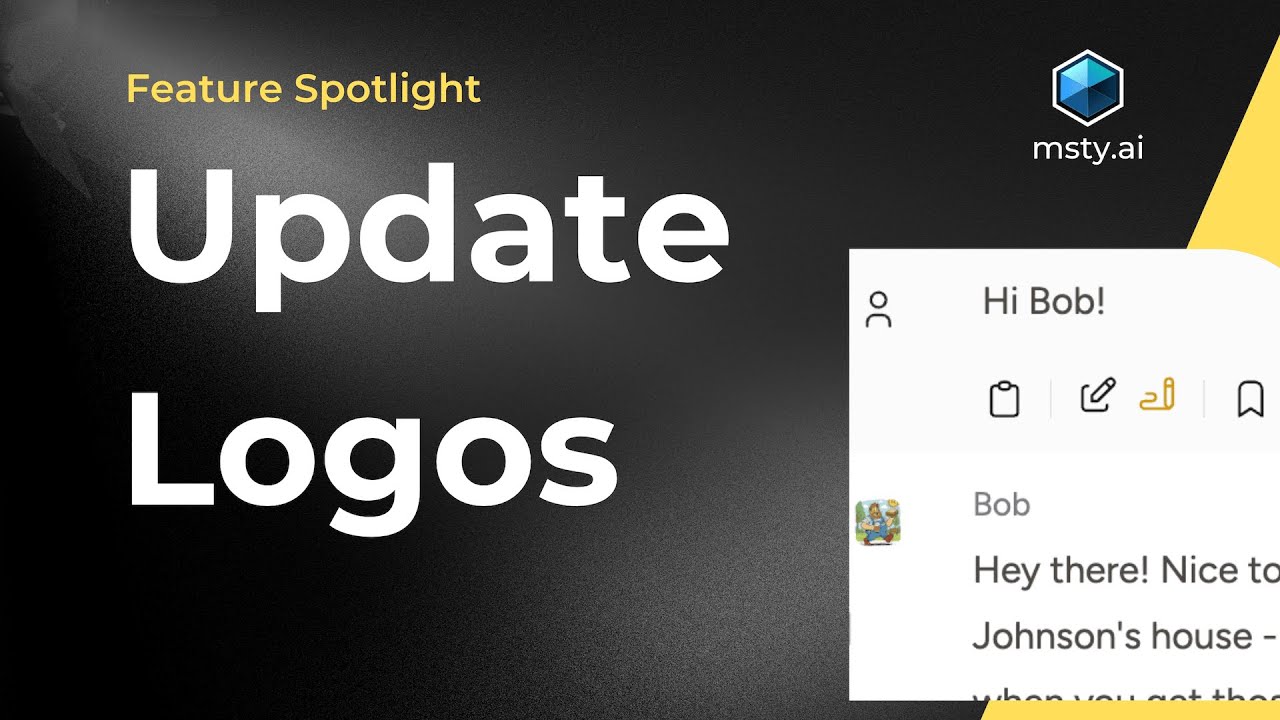
Provider and Model Logos
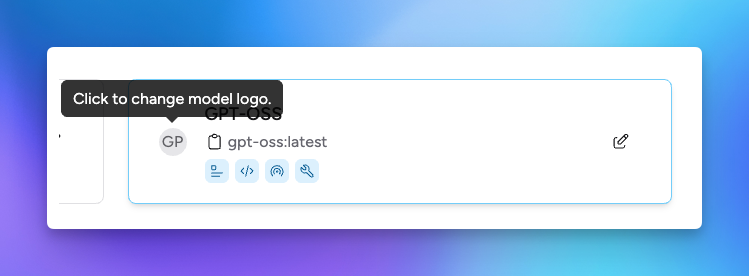
You can change provider and model logos from the edit dialog in Model Hub.